
Monitor Stand
27 results
27 results
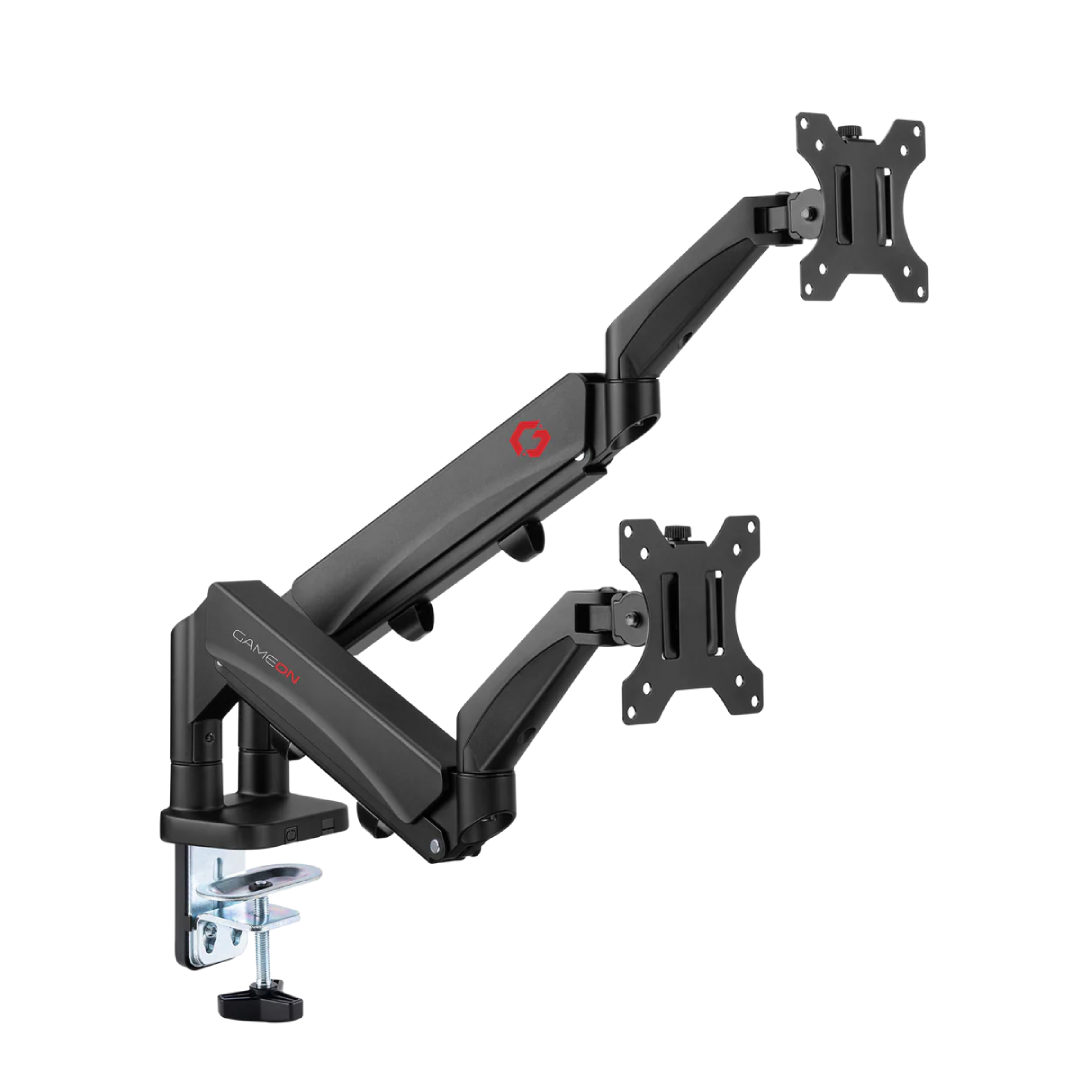
Gameon
GAMEON GO-5350 Dual Monitor Arm Mount for Gaming and Office Use, 17"-32", 9kg Per Arm Capacity
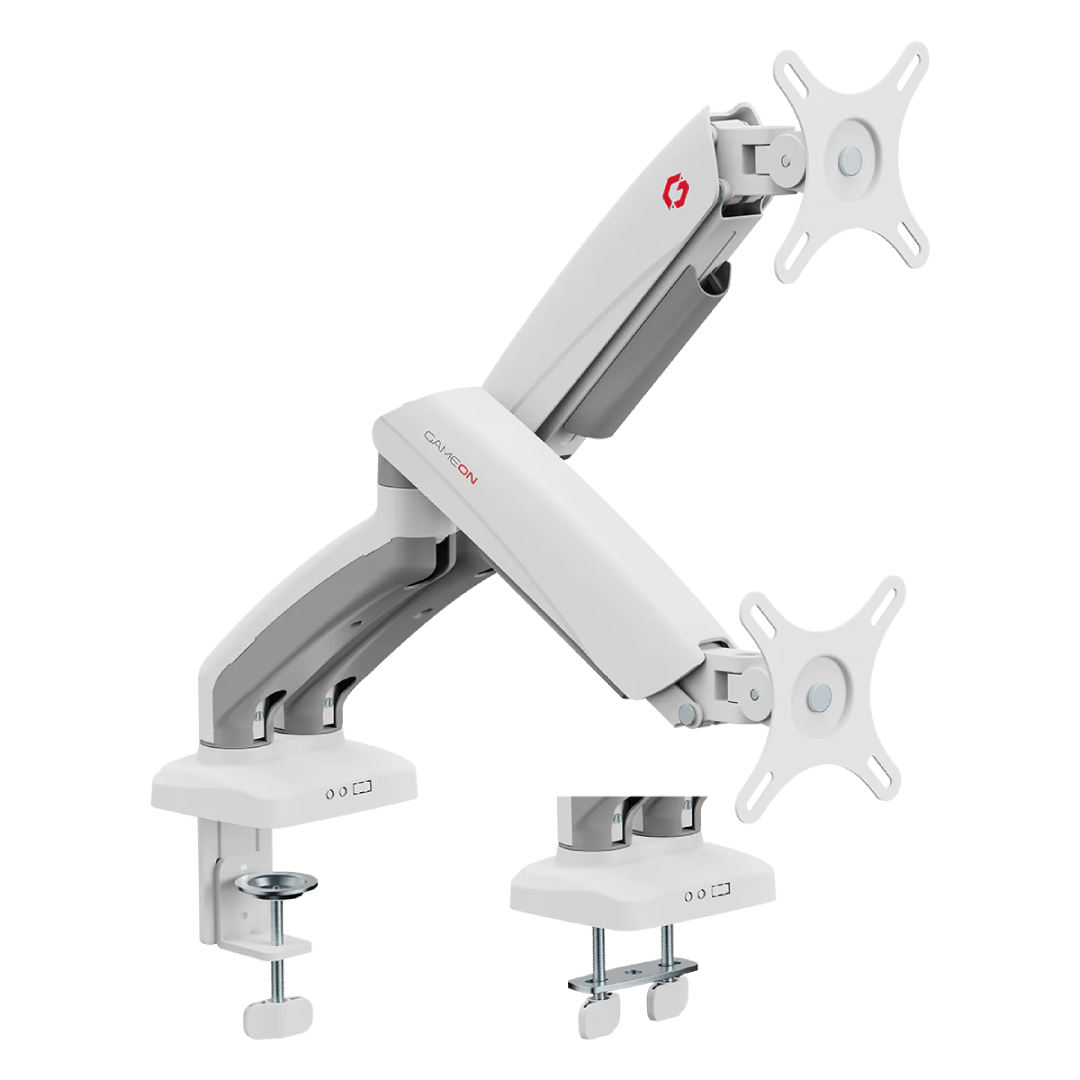
Gameon
GAMEON GO-5450 Mechanical Spring Dual Monitor Arm — White
Only 4 left
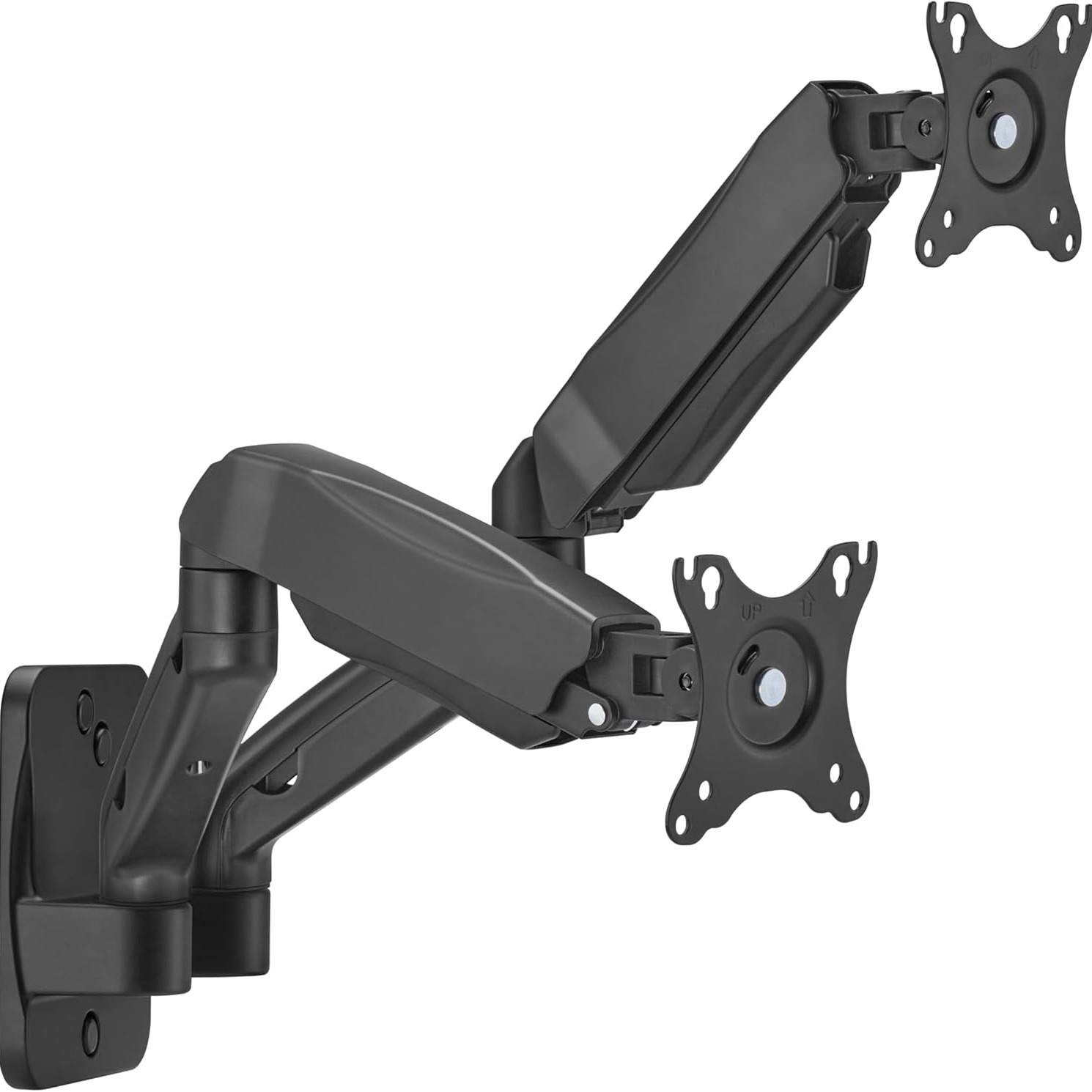
Gameon
GameOn GO-5008 Dual Monitor Wall Mount Stand
Only 4 left
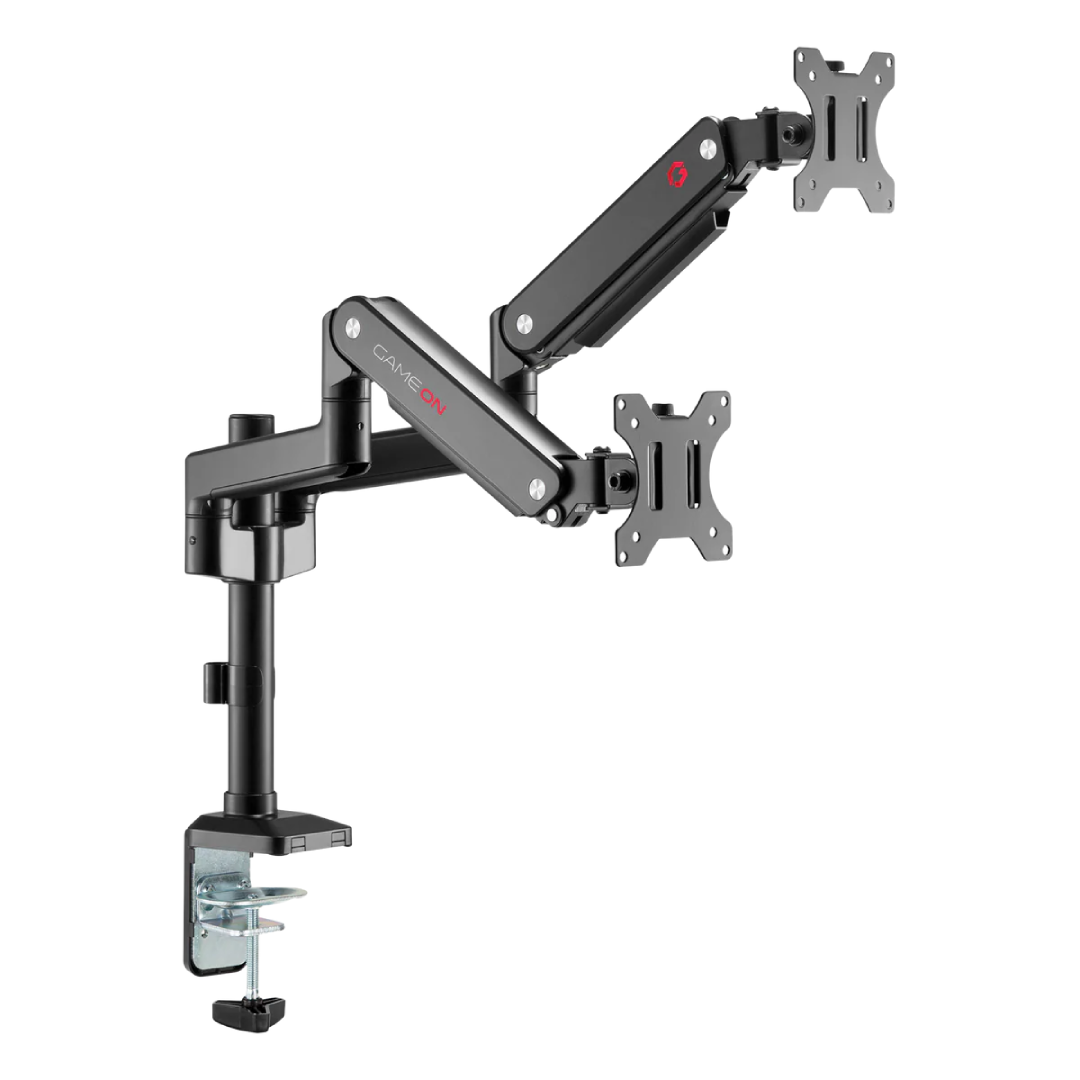
Gameon
GAMEON GO-2045 Pole-Mounted Spring-Assisted Dual Monitor Arm For Gaming And Office Use, 17" - 32", Each Arm Up To 9 KG - Black
Only 2 left
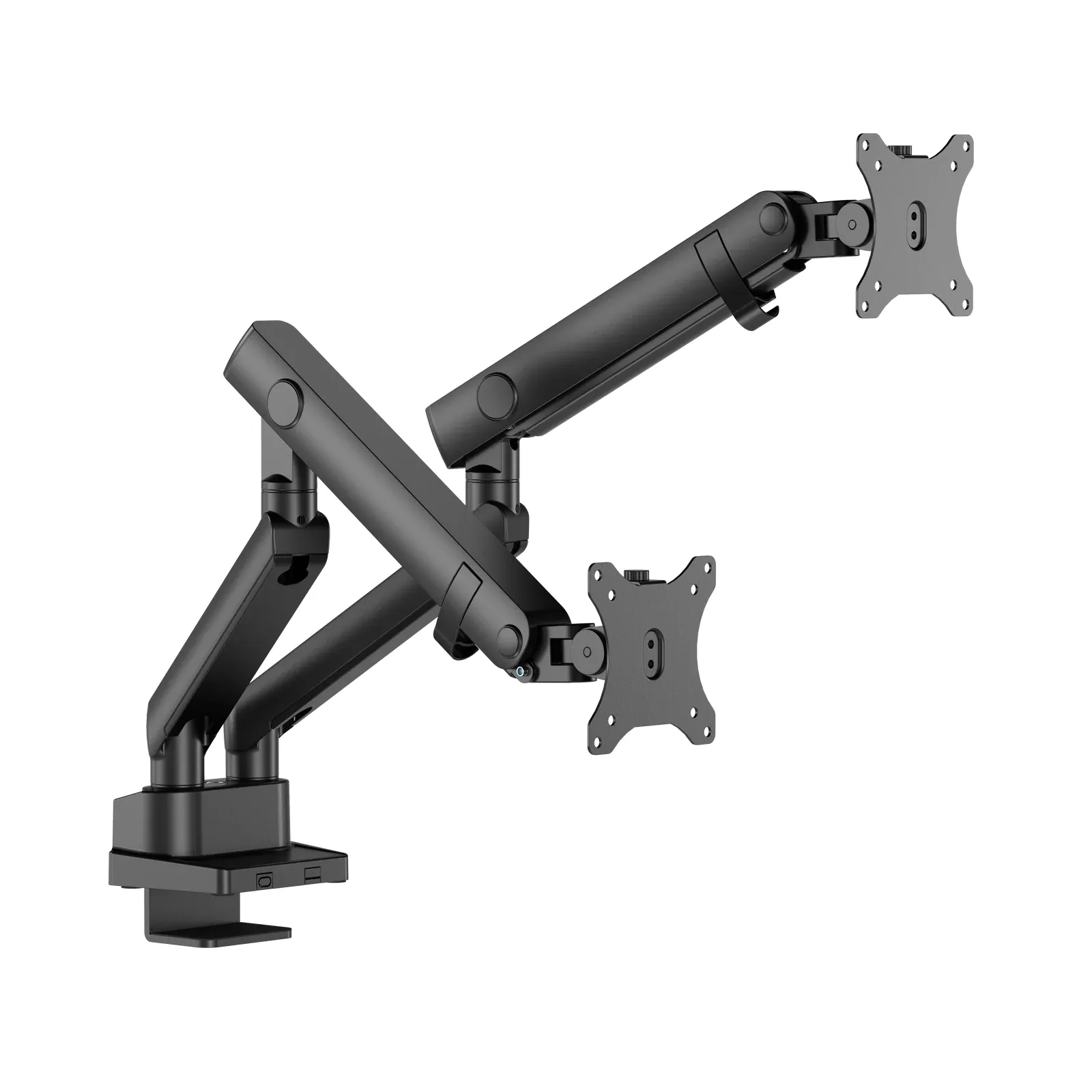
Twisted Minds
Twisted Minds TM-84-C012 Dual Screen Monitor Arm
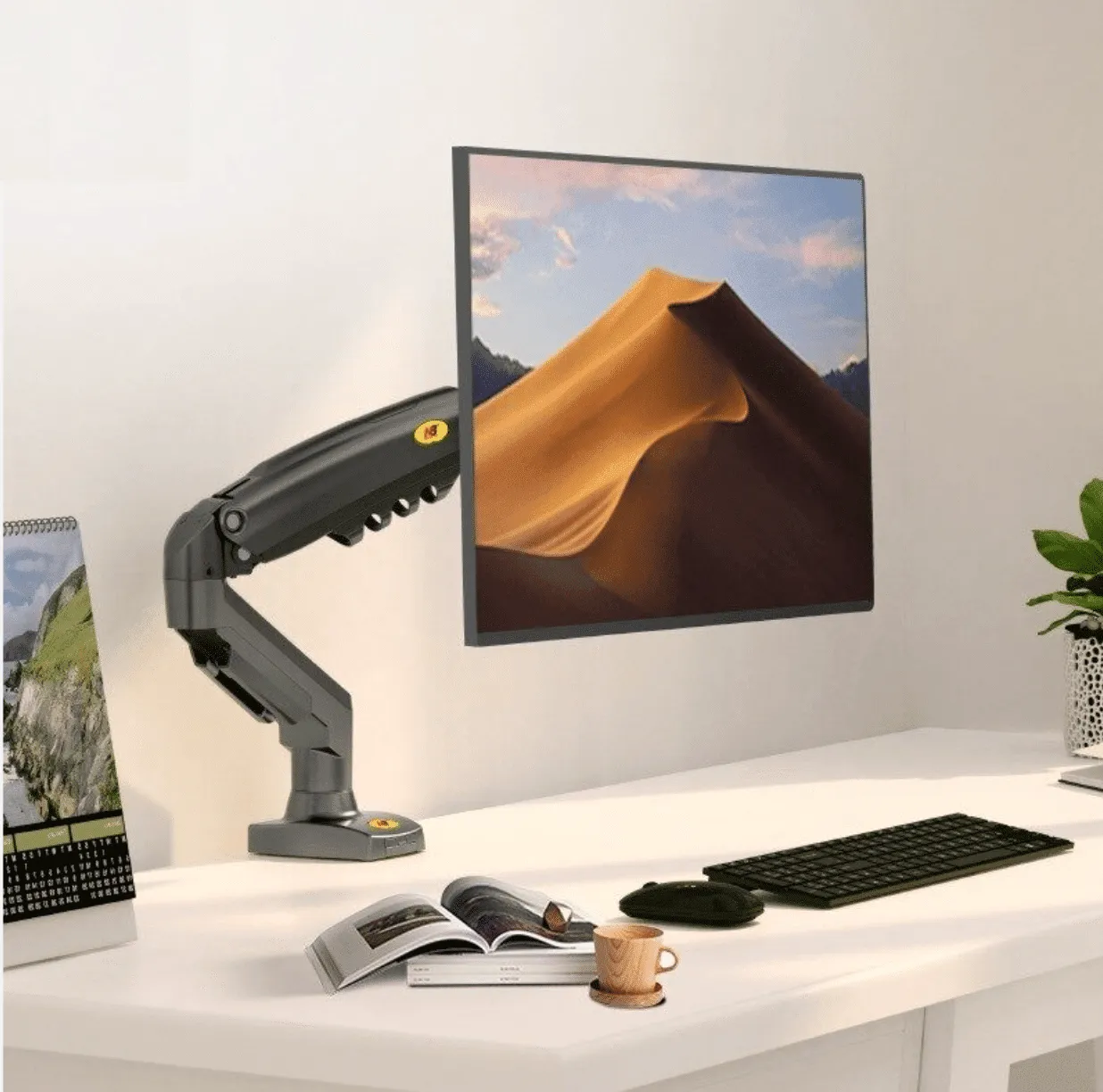
North Bayou F80 Full‑Motion Monitor Arm / Desk Mount (17″–30″)
Only 3 left
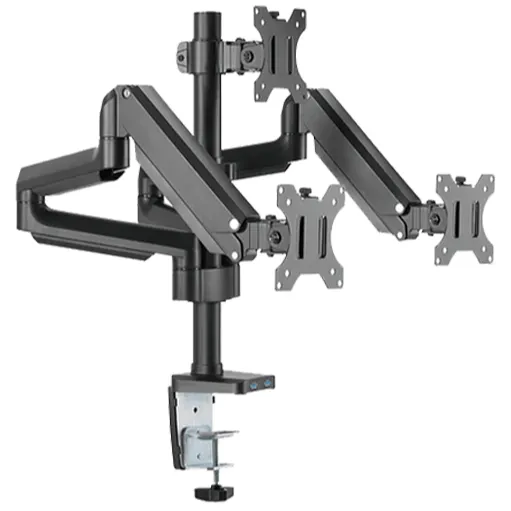
Twisted Minds
Twisted Minds Triple Monitor Aluminum Slim Mechanical Spring USB Monitor Arm TM-26-C018UP
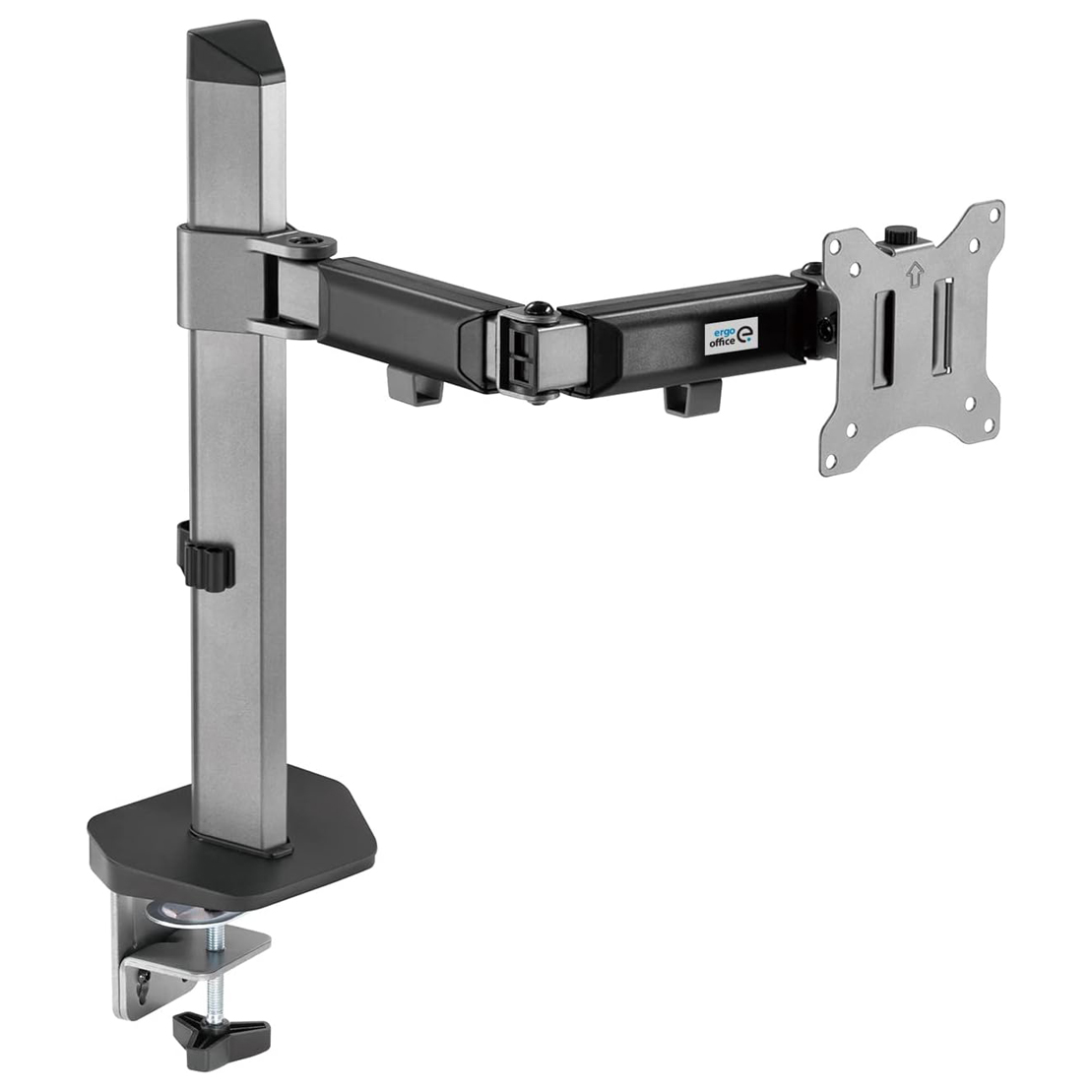
North Bayou NB-G45 Dual Monitor Desk Mount (Y-448 Series)
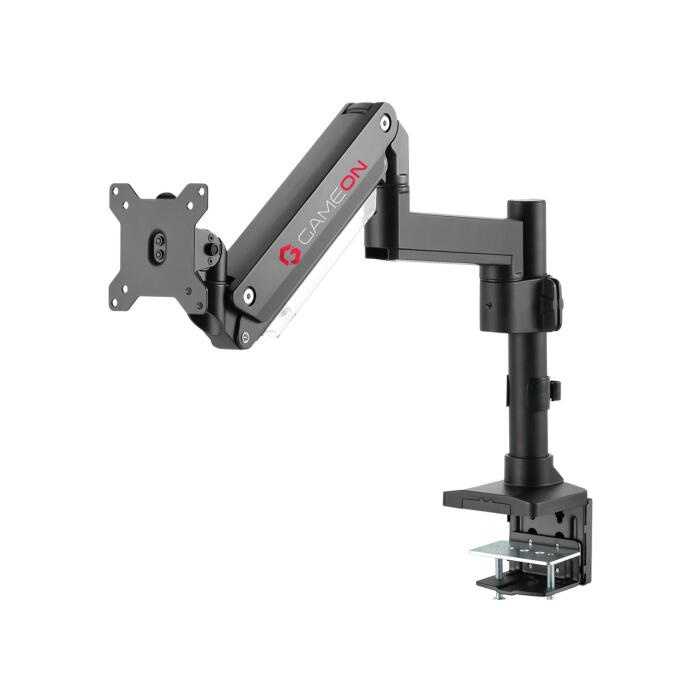
Gameon
GAMEON GO-2083 Heavy-Duty Spring-Assisted Single Monitor Arm – Black
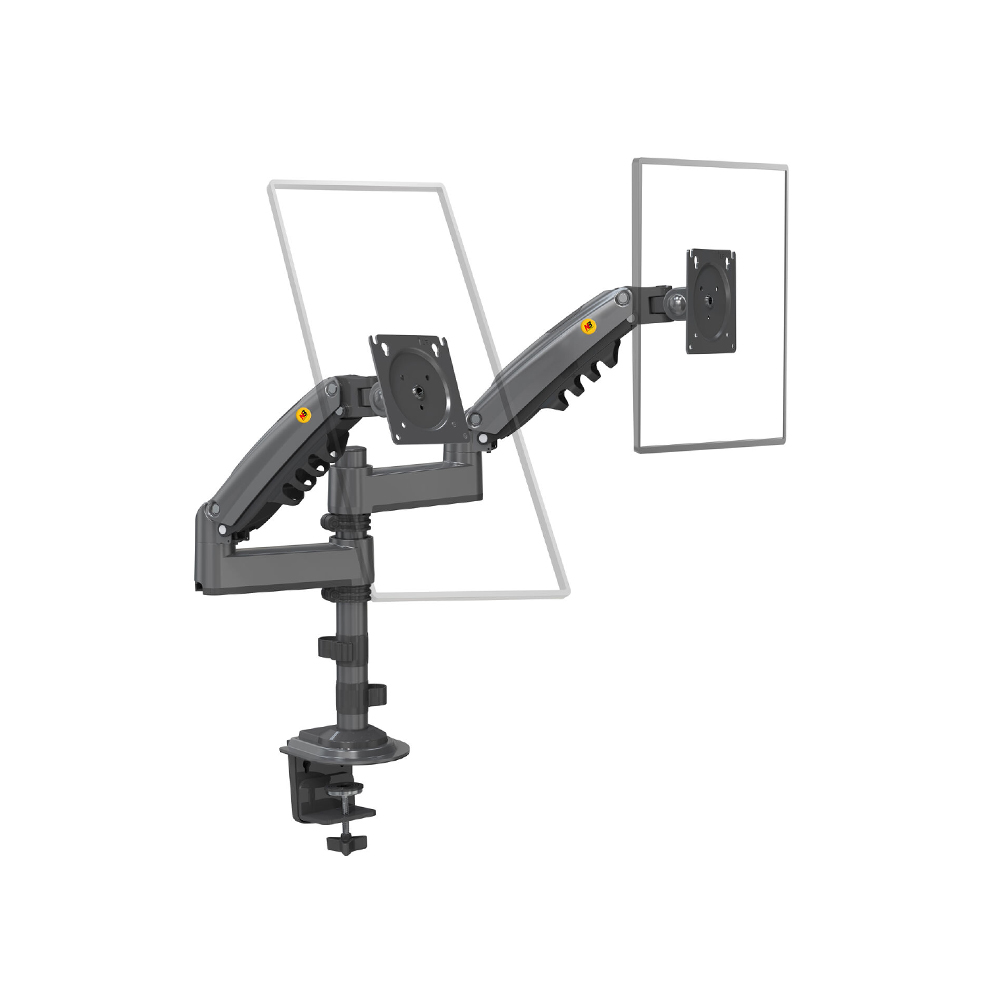
Monitor Stand Mount H180 – Dual Arm (17"–27")
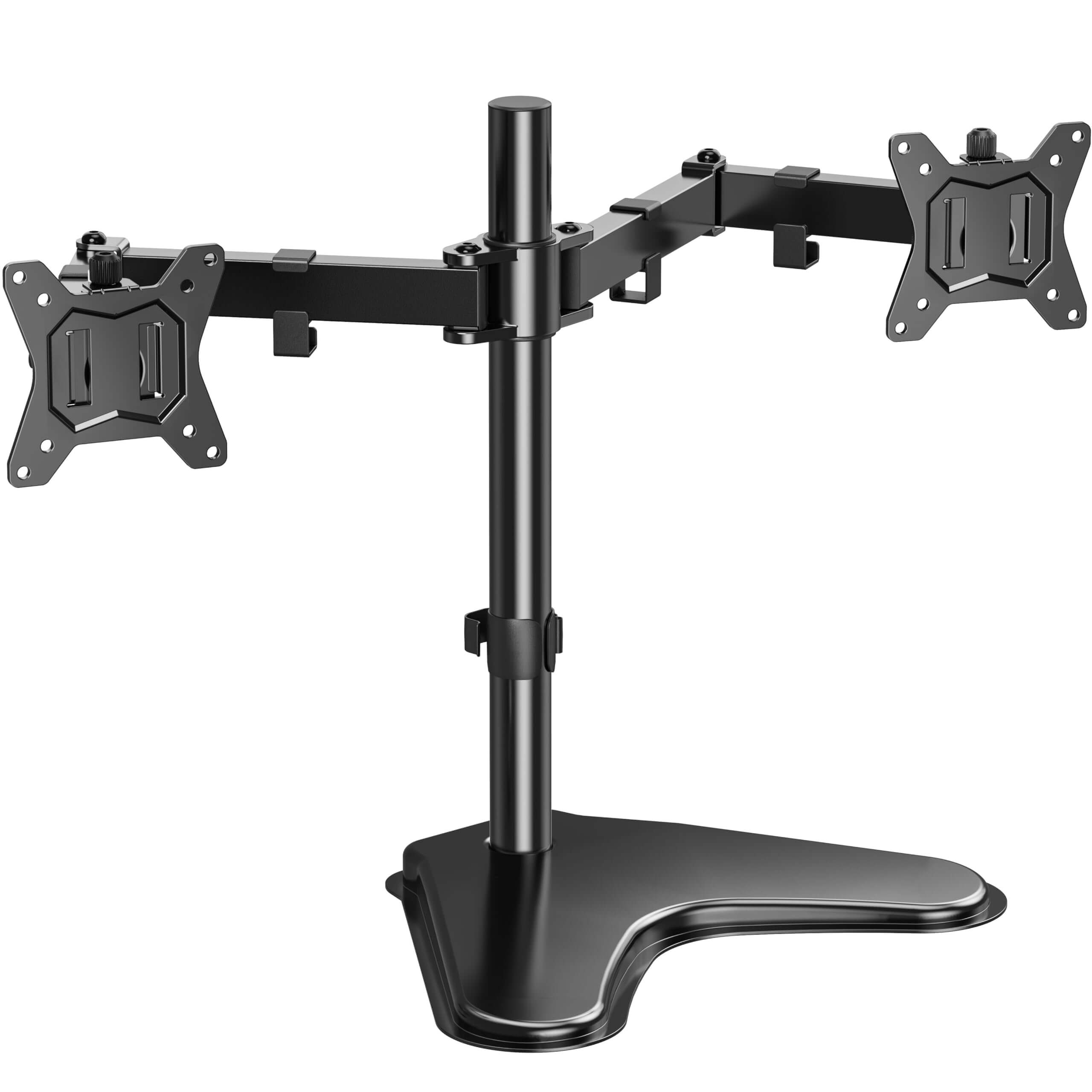
CY202 Adjustable Monitor Stand – Fits Most Desktops
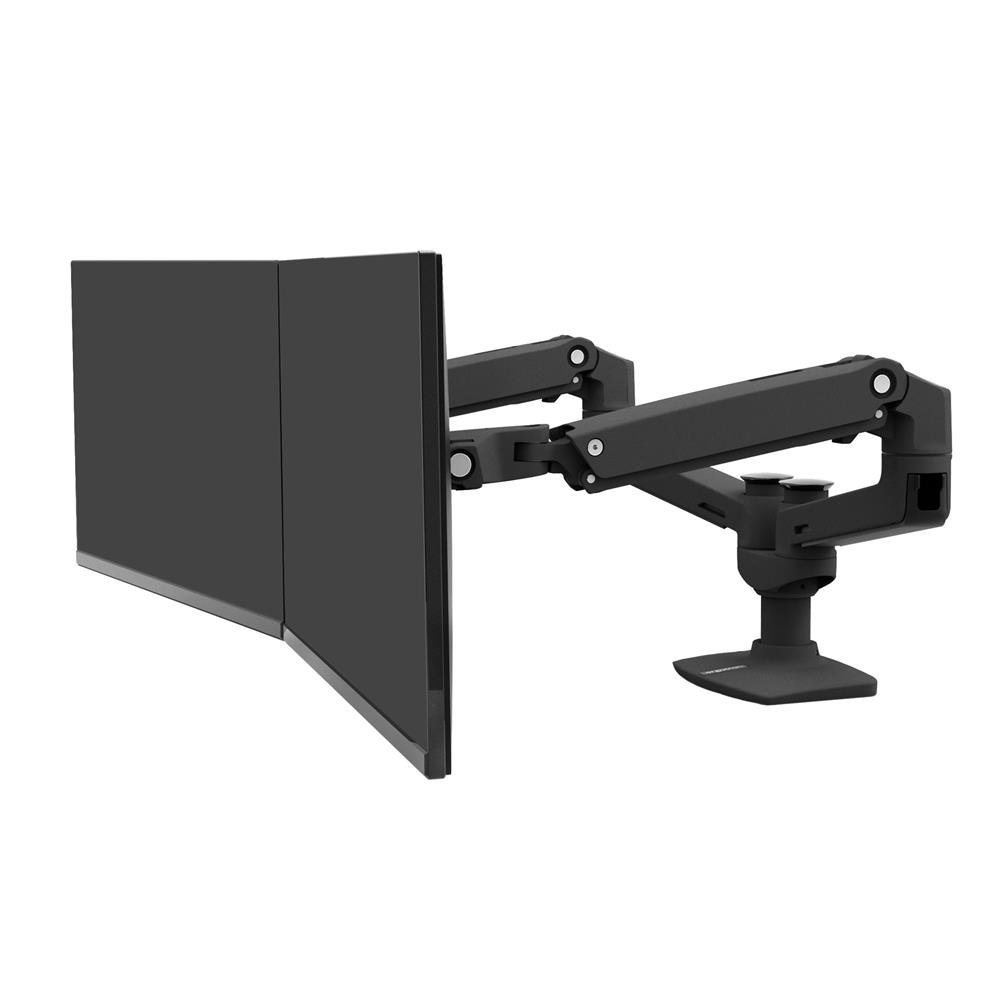
Y-224 Adjustable Monitor Stand – Height & Tilt Support for Desktops
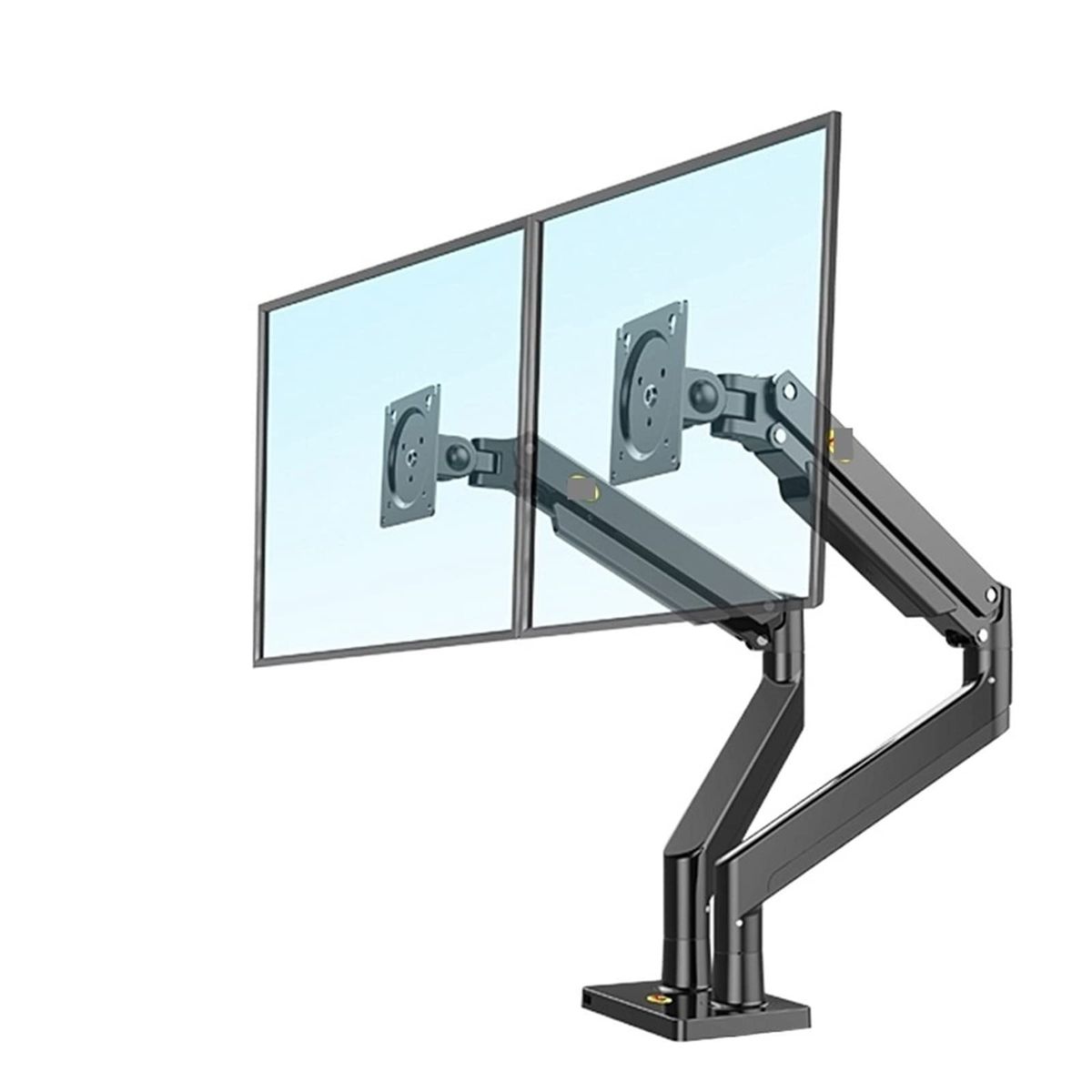
G32 Dual Arm Monitor Stand Mount for 22"–32" Screens
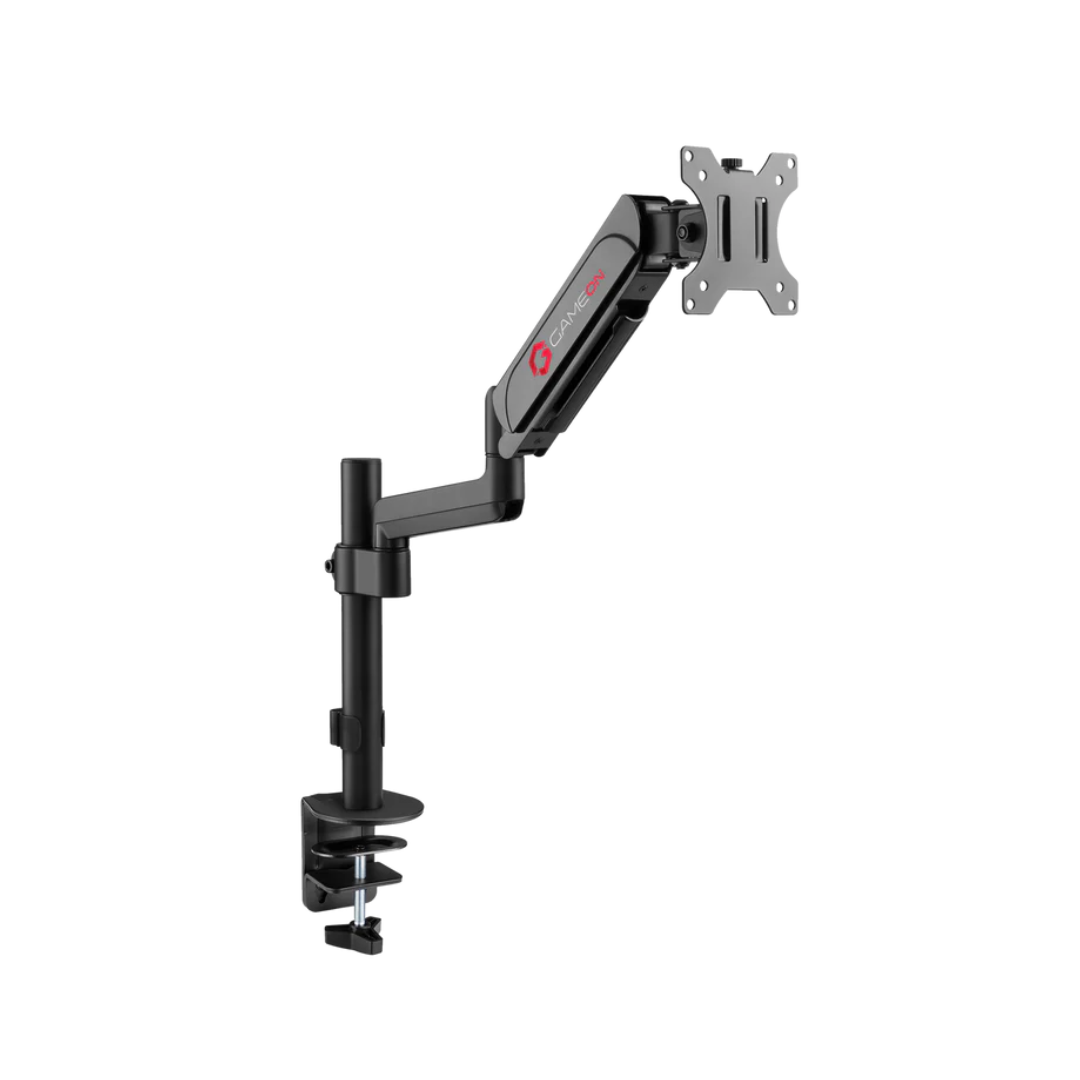
Gameon
GAMEON GO-3363 Pole-Mounted Spring-Assisted Single Monitor Arm For Gaming And Office Use, 17" - 32", Arm Up To 9 KG
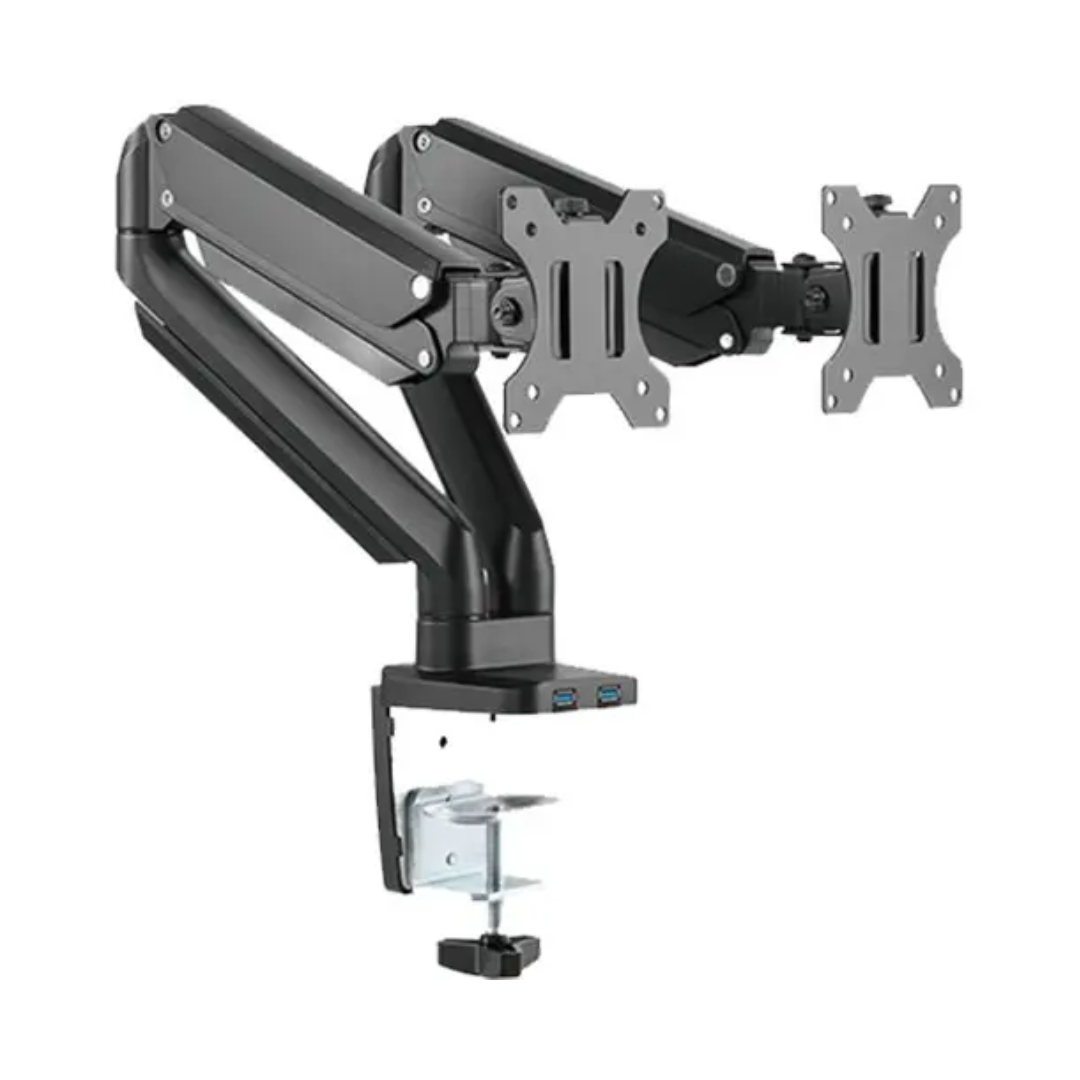
Twisted Minds
Twisted Minds TM-26-C012U Dual Monitor Aluminum Slim Mechanical Spring Arm
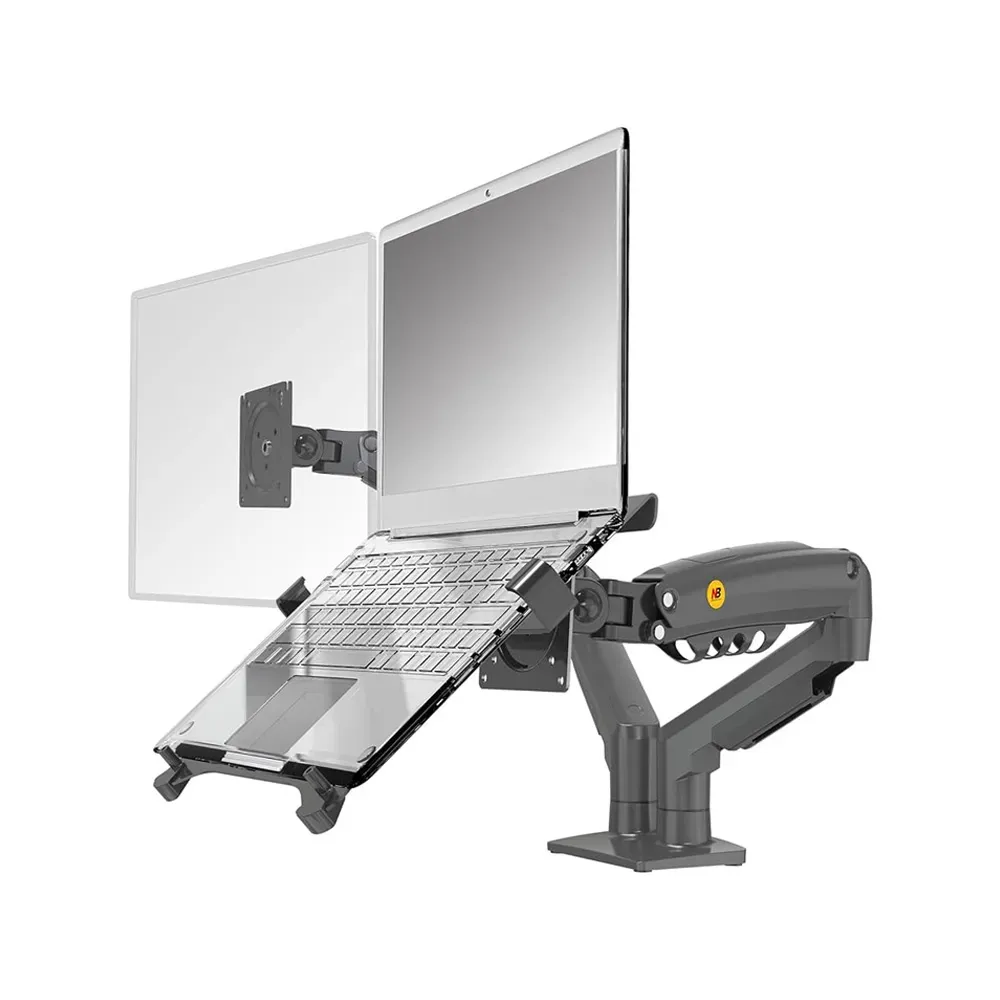
NB North Bayou F160-FP Adjustable Laptop & Monitor Mount – Full Motion Arm
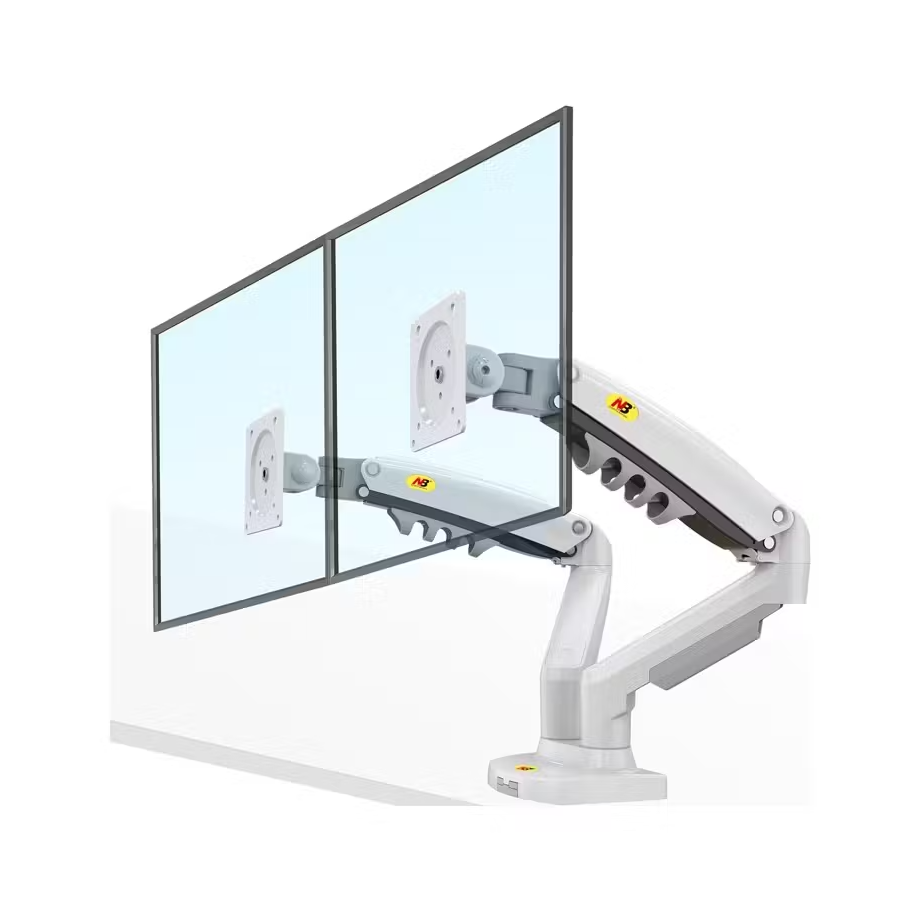
Dual Monitor Stand – White Arm, Model F160 (17″–27″)
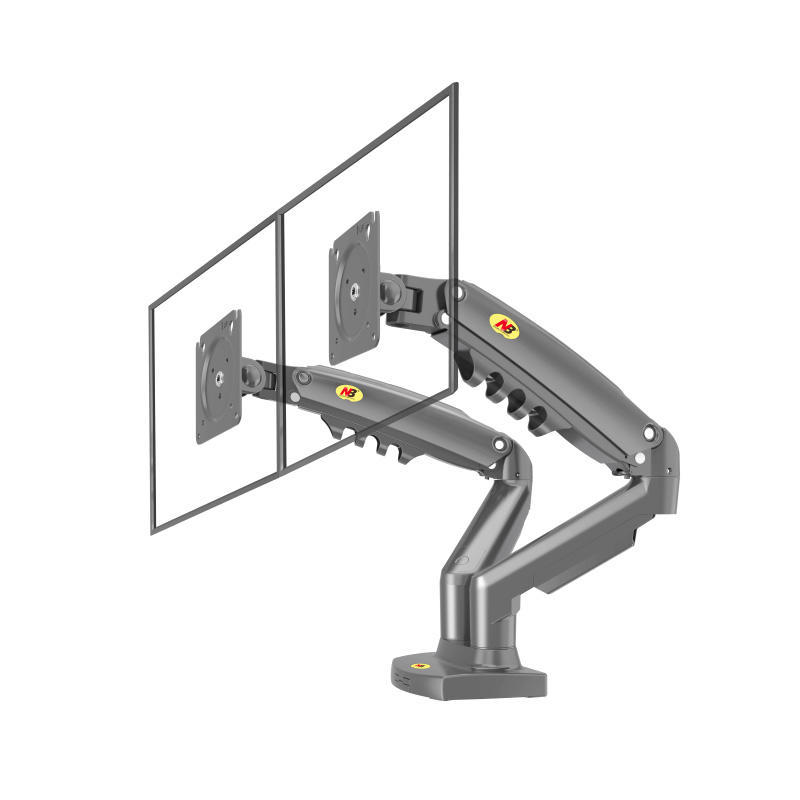
NB North Bayou F160 Dual Monitor Desk Mount (17"–27")
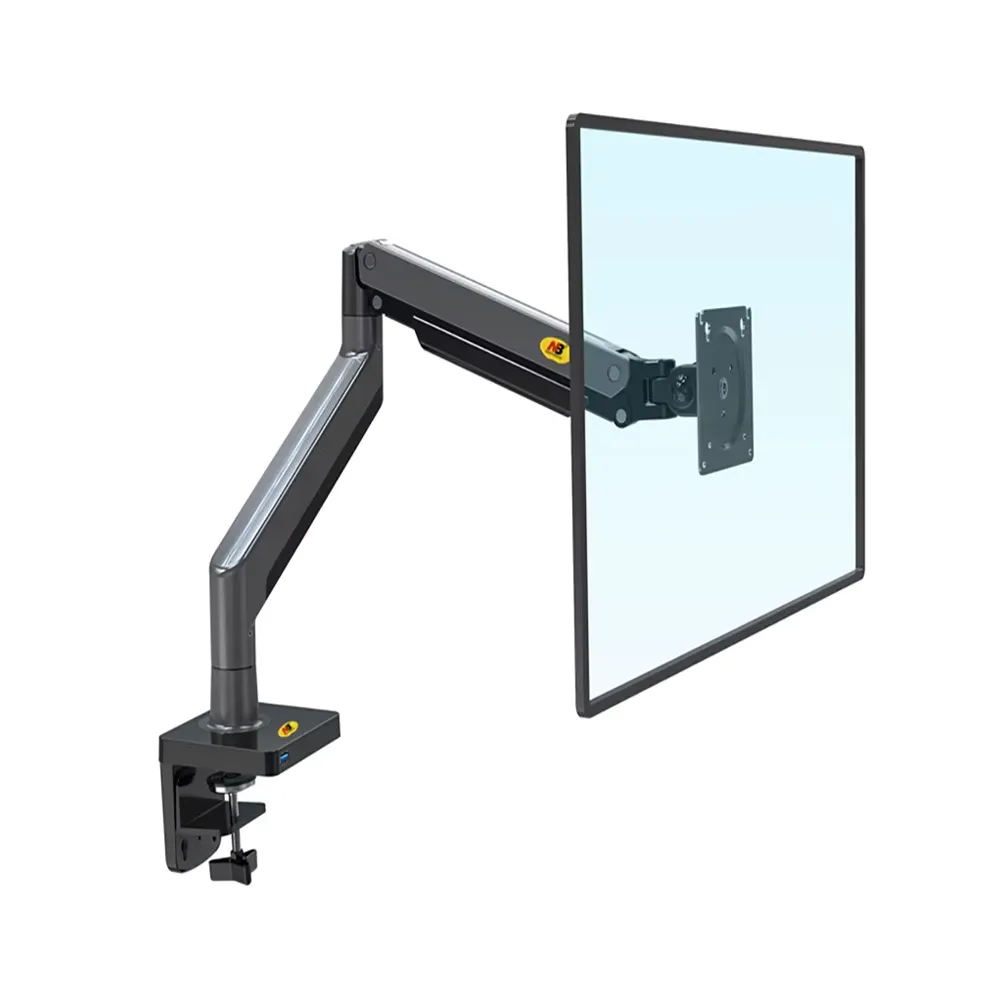
North Bayou Nb G45 Shock Absorber 22"-40" Vesa 2-15kg Professional & Gaming Monitor Stand
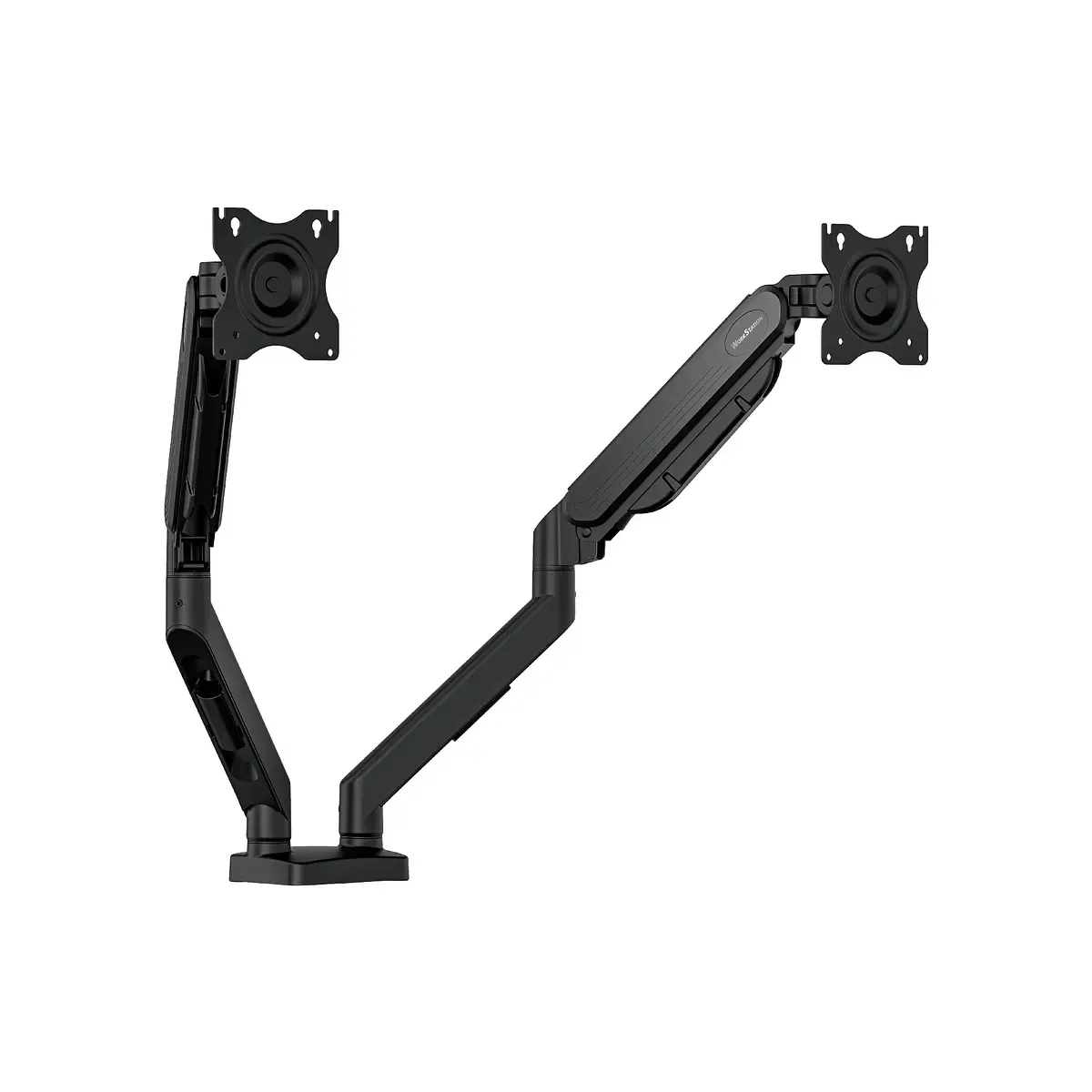
Fantech
FANTECH MBD1 Dual Arm Monitor Bracket
You've seen everything here
Showing 20 of 27
About Monitor Stand
Shop Monitor Stand at Ari Gaming Iraq. Compare genuine products, current prices, and availability.
Monitor Stand: What to check before choosing
Compare screen size and resolution with the space on your desk and the output your computer supports. Refresh rate describes how often the screen updates; achieving it also depends on your graphics hardware, game settings, cable, and display connection.
Check HDMI or DisplayPort versions, stand adjustment, and mounting support in the exact model’s specifications. Compare panel type and the features you need for work or gaming before choosing. Product pages show the available model options and current price.